Cruise ship internet typically costs $15–$35 per device per day when purchased onboard, but pre-purchasing a package before sailing usually drops that to $10–$25 per device per day depending on the cruise line and plan tier.
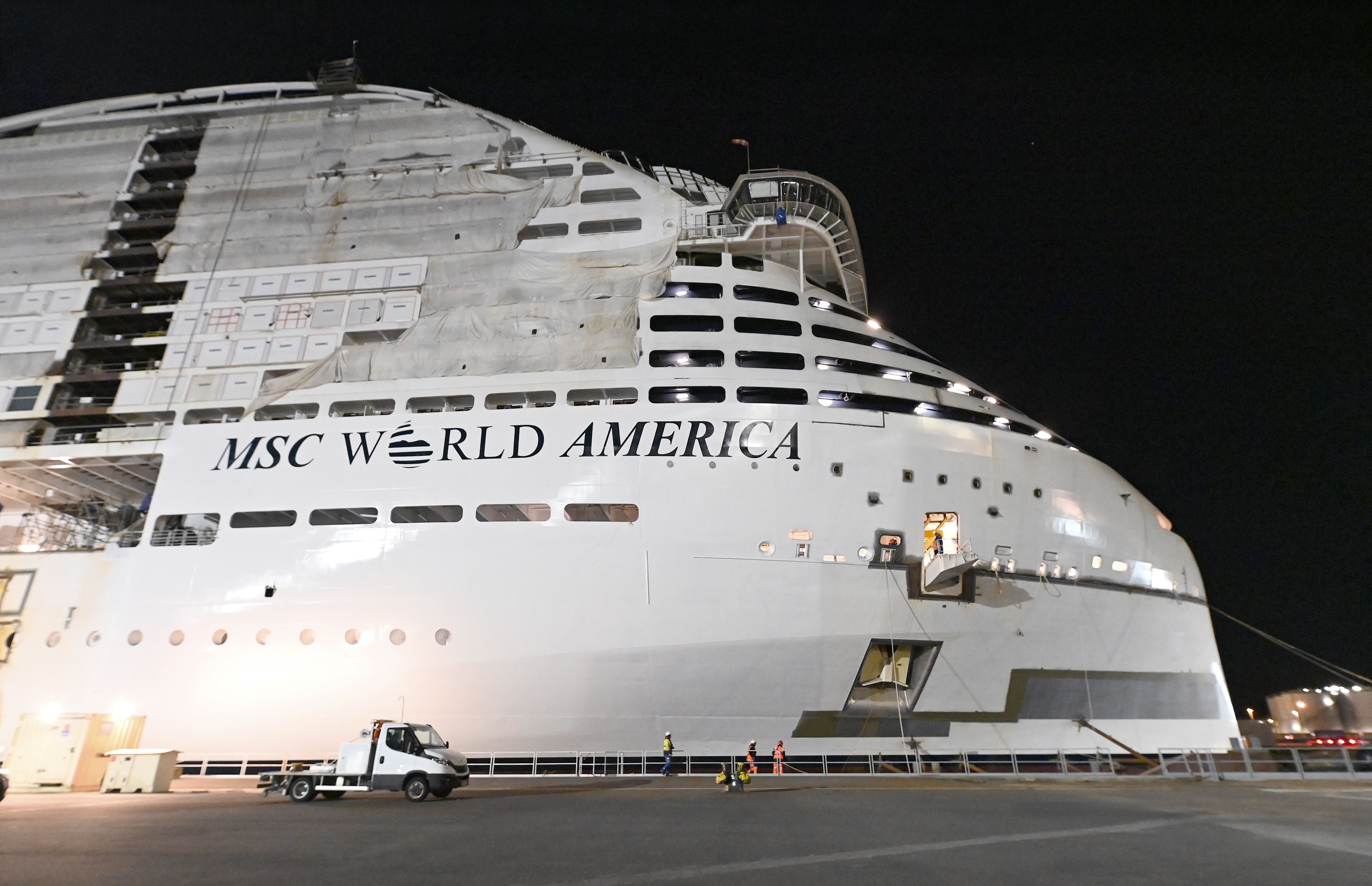 Photo: MSC Cruises
Cruise ship WiFi is one of the most complained-about expenses at sea — and for good reason. You're paying premium prices for satellite internet that, on a good day, is slower than your home connection from 2009. Here's exactly what you'll pay in 2025–2026, and how to avoid getting fleeced.
How Much Does Cruise Internet Cost Per Day?
Prices vary significantly by cruise line and whether you book onboard vs. in advance. Pre-purchasing always wins — onboard pricing is punitive by design. Most lines offer tiered plans: a basic "social media only" tier and a full "surf" or "premium" tier. A few lines (looking at you, Norwegian and Virgin Voyages) include WiFi in the base fare or standard packages.
| Cruise Line | Basic/Social Plan (per device/day) | Premium/Surf Plan (per device/day) | Notes |
|---|---|---|---|
| Royal Caribbean | $10–$18 pre-purchase | $18–$30 onboard | Voom Surf+Stream; discount for pre-purchase |
| Carnival | $12–$17 pre-purchase | $18–$25 onboard | Social Plan ($5–$8/day) also available |
| Norwegian (NCL) | Included in Free At Sea promo | $15–$25 if not included | 150-min plan or unlimited |
| Celebrity | $18–$25 pre-purchase | $25–$35 onboard | Premium included in Always Included fare |
| MSC | $10–$15 pre-purchase | $15–$22 onboard | Multi-device bundles available |
| Disney | $18–$22 pre-purchase | $25–$29 onboard | No social-only tier; one plan fits all |
| Princess | $15–$20 pre-purchase | $20–$29 onboard | MedallionNet; good reliability reviews |
| Holland America | $15–$22 pre-purchase | $22–$30 onboard | Surf plan vs. Premium Surf |
| Virgin Voyages | Included in all fares | — | Basic WiFi free; fast WiFi add-on ~$10/day |
Budget estimate for a 7-night cruise: A couple pre-purchasing premium WiFi on Royal Caribbean will spend roughly $250–$420 total depending on which ship and promotion is running.
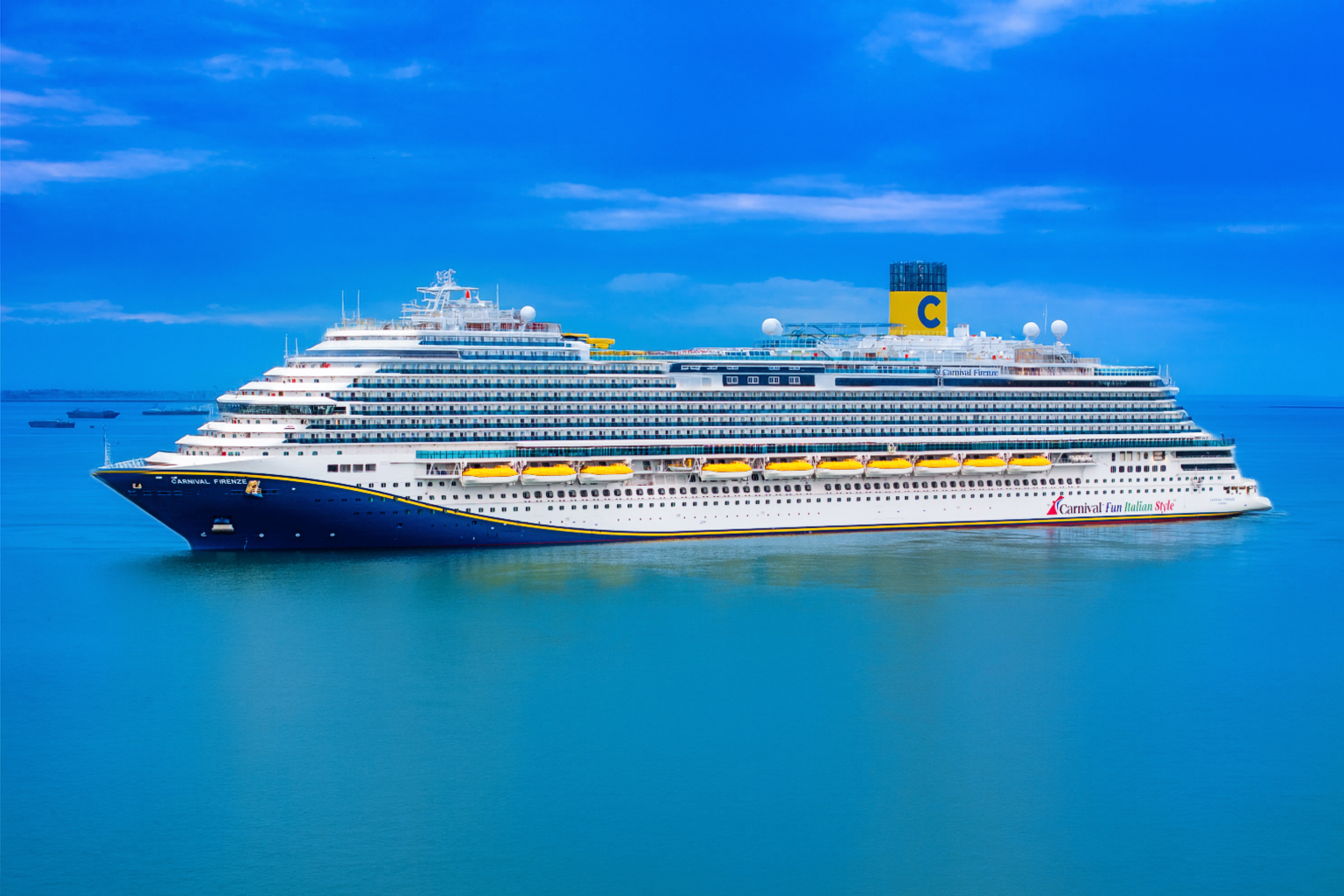 Photo: Carnival Cruise Line
Key Factors That Drive the Cost
1. When you buy matters more than you think. Onboard pricing is deliberately 30–50% higher than pre-purchase pricing. Book your internet package as soon as the cruise line opens your booking for pre-purchase — usually 90 days out. Watch for flash sales; Royal Caribbean in particular drops Voom prices to as low as $8–$10/day during promotional windows.
2. Number of devices. Most packages cover only one device at a time. A family of four wanting simultaneous access needs either multiple single-device plans or a multi-device package. Norwegian's unlimited multi-device add-on runs $25–$35/day but covers everyone.
3. Ship and satellite technology. Newer ships with SpaceX Starlink connectivity (Royal Caribbean's Icon-class, some Princess ships) offer dramatically better speeds at similar or only slightly higher prices. Older ships still running older satellite systems are genuinely painful for anything beyond email.
4. Destination and sea days. More days at sea = more you're dependent on ship WiFi. Alaska and transatlantic sailings with heavy sea-day counts make a premium plan worth every cent. Short Caribbean runs where you're in port half the time? Skip it or grab the cheapest tier.
5. Bundled packages. Some cruise lines fold WiFi into drink package bundles. Celebrity's "Always Included" fare adds WiFi plus gratuities and drinks. Norwegian's Free At Sea promo includes 150 minutes or unlimited depending on cabin category. Always compare the bundle math before buying à la carte.
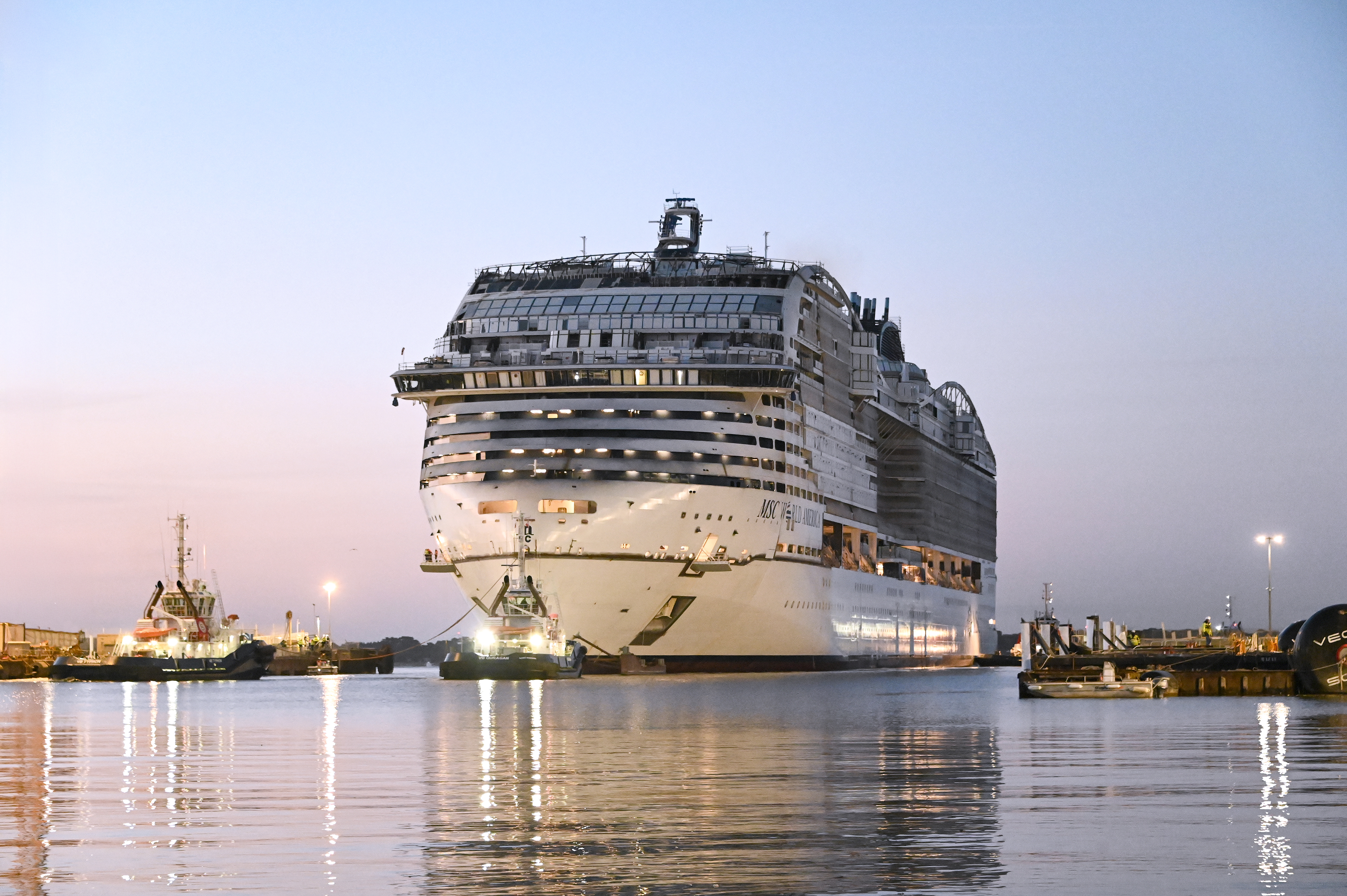 Photo: MSC Cruises
Practical Tips to Save Money on Cruise Internet
Pre-purchase before you board. This is the single biggest lever you have. Log into your cruise line's online account and buy the package weeks before departure. Savings of $5–$12/day per device are typical.
Watch the cruise line's email promos. Royal Caribbean, Carnival, and Norwegian regularly send "Book Now" sale emails with internet packages at 20–40% off. If you haven't received them, check your spam folder or call your travel agent.
Use port WiFi aggressively. In most Caribbean, Mediterranean, and Alaskan ports, you'll find free or cheap WiFi at cafes, tourist centers, and shopping areas. Batch your video calls, uploads, and heavy browsing for port days and drop to the cheapest onboard plan.
Buy one premium device plan and hotspot your phone. On most cruise ships, the WiFi connects at the device level via a login portal — you can share that login across devices by hotspotting from one. Check the terms of service first — some lines explicitly prohibit this, though enforcement is rare.
Consider skipping it entirely. A 7-night vacation with genuine digital detox isn't the worst thing in the world. If your work won't actually implode, the social-media-only plan at $5–$8/day covers Instagram and WhatsApp — which is honestly all most people need.
Travel agents sometimes have package bundles. Booking through CruiseHub (https://book.cruisehub.com/swift/cruise?referrer=dave&siid=191861) occasionally comes with onboard credit that effectively offsets internet costs — worth factoring into your total price comparison.
Which Lines Give You the Best Internet Value?
Best for connectivity: Virgin Voyages (included) and Princess MedallionNet (reliable Starlink-backed speeds, reasonable pricing).
Best for budget travelers: MSC and Carnival's social-only plan if you truly just need messaging apps.
Best for remote workers: Royal Caribbean's Voom on Icon-class ships (Starlink speeds) or Celebrity's Always Included fare which bundles WiFi so you're not bleeding per-day charges.
Worst value: Buying any plan onboard at rack rate on an older ship with weak satellite infrastructure. You'll pay top dollar for download speeds that would embarrass a 2003 DSL connection.
Bottom line: budget $10–$20/day per device if you pre-purchase smart, or $20–$35/day if you wait until you're standing at the guest services desk wondering why the ship is already moving. Plan ahead, buy early, and use ports strategically — and use CruiseMutiny to model the full cost of your cruise before you commit to anything.